Google apps, your way.
Customizable Google apps packages for Android ROMs. Build a package around your needs or choose a ready-made option.
Your apps. Your own package.
The NikGapps app brings custom GApps builds to your Android device. Create a project, choose what you need and turn your selection into a flashable ZIP.
The app verifies release metadata, downloads the required files and saves your ZIP to Downloads/NikGapps. An internet connection is required.
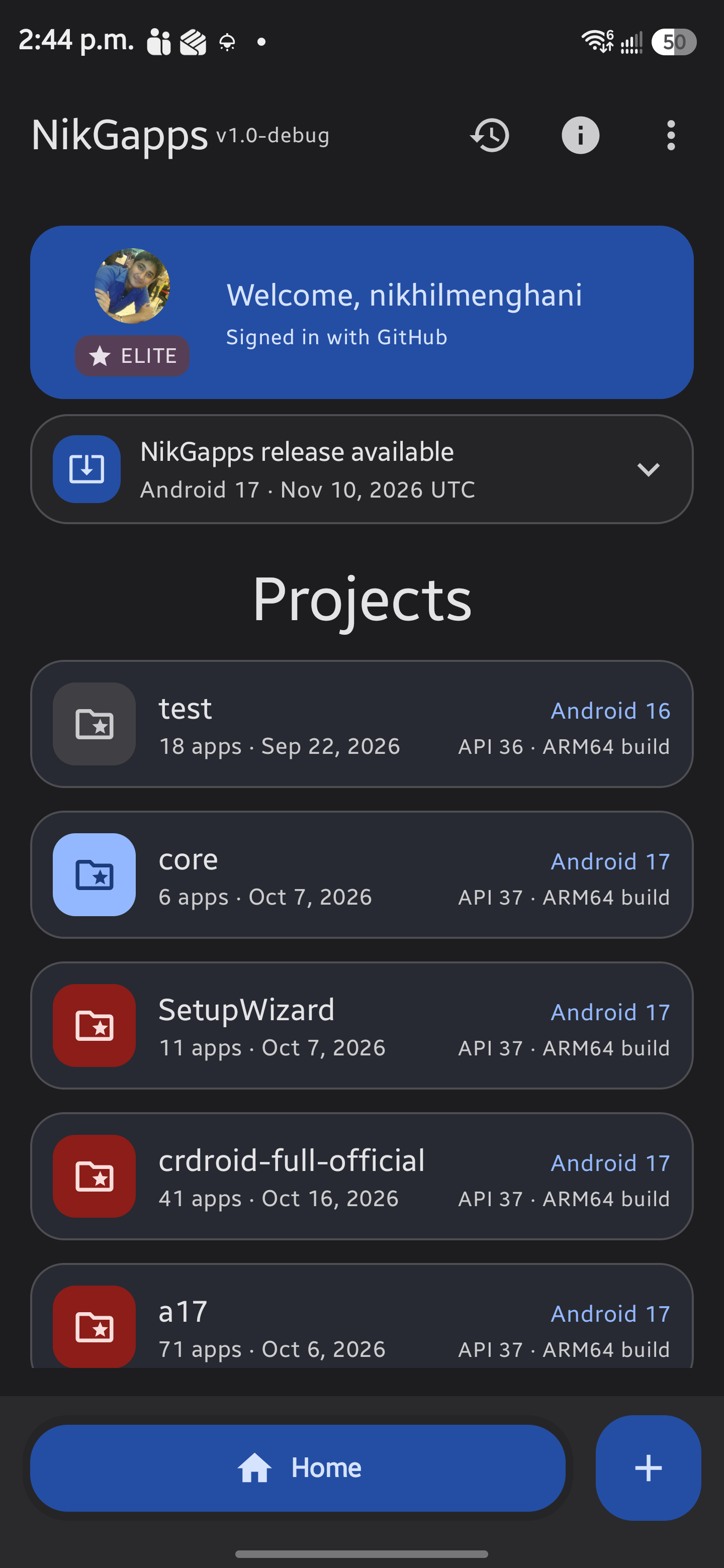
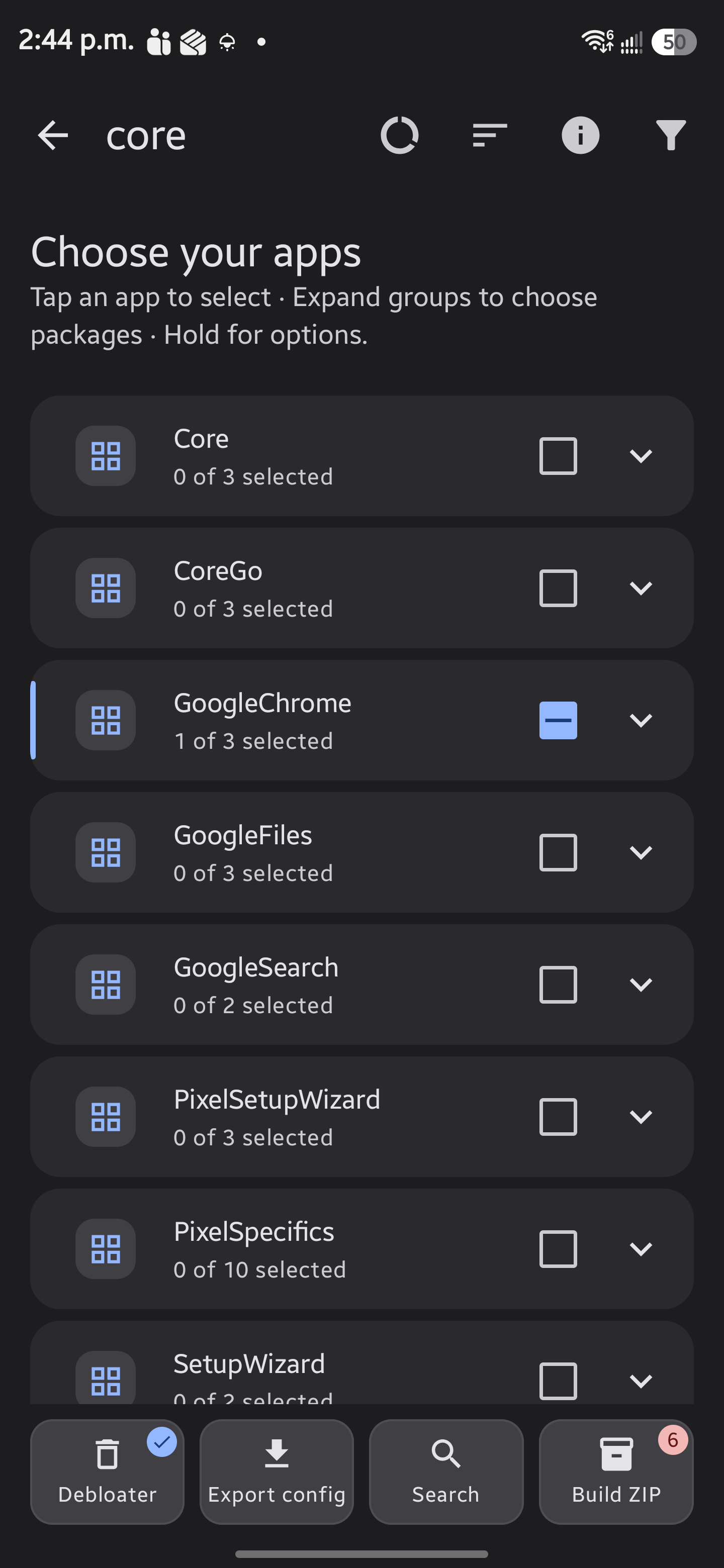
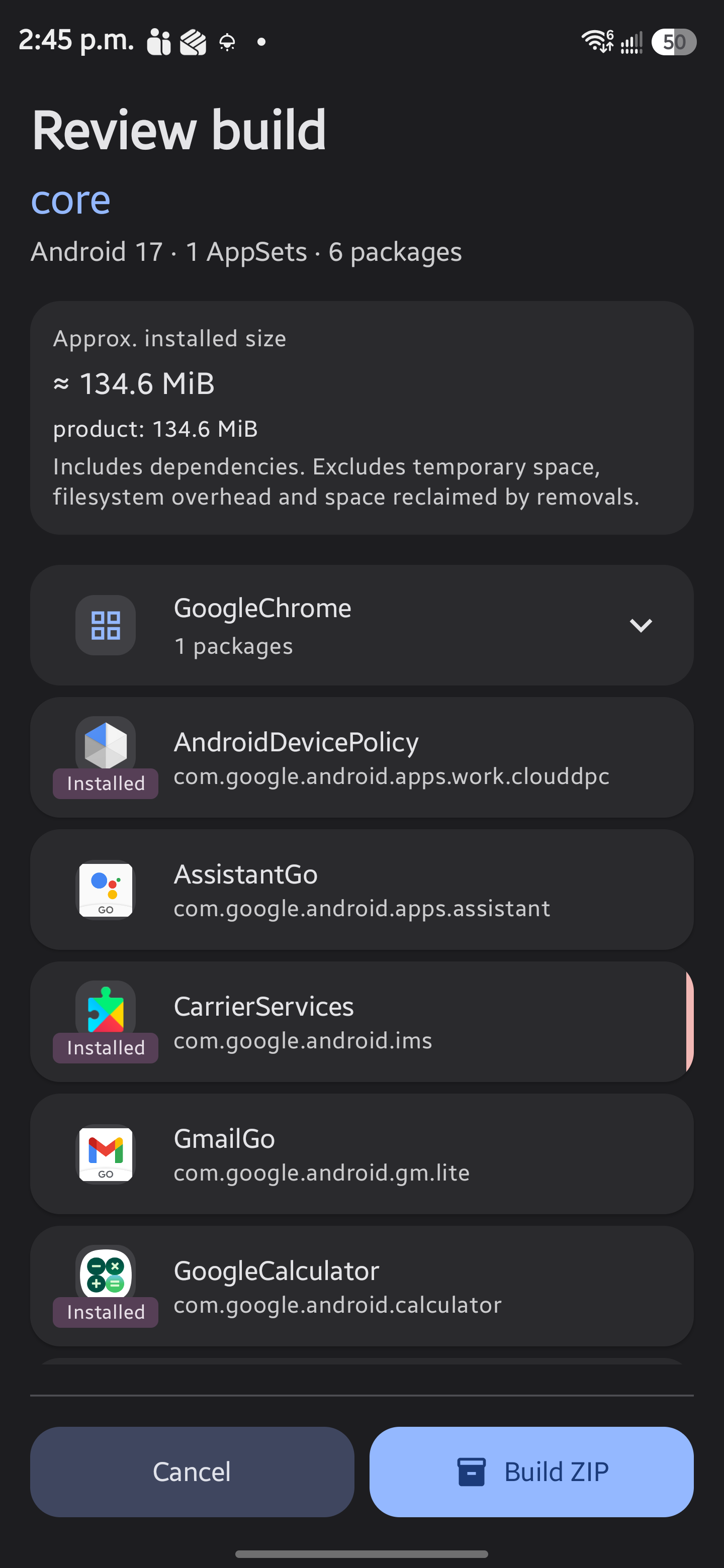
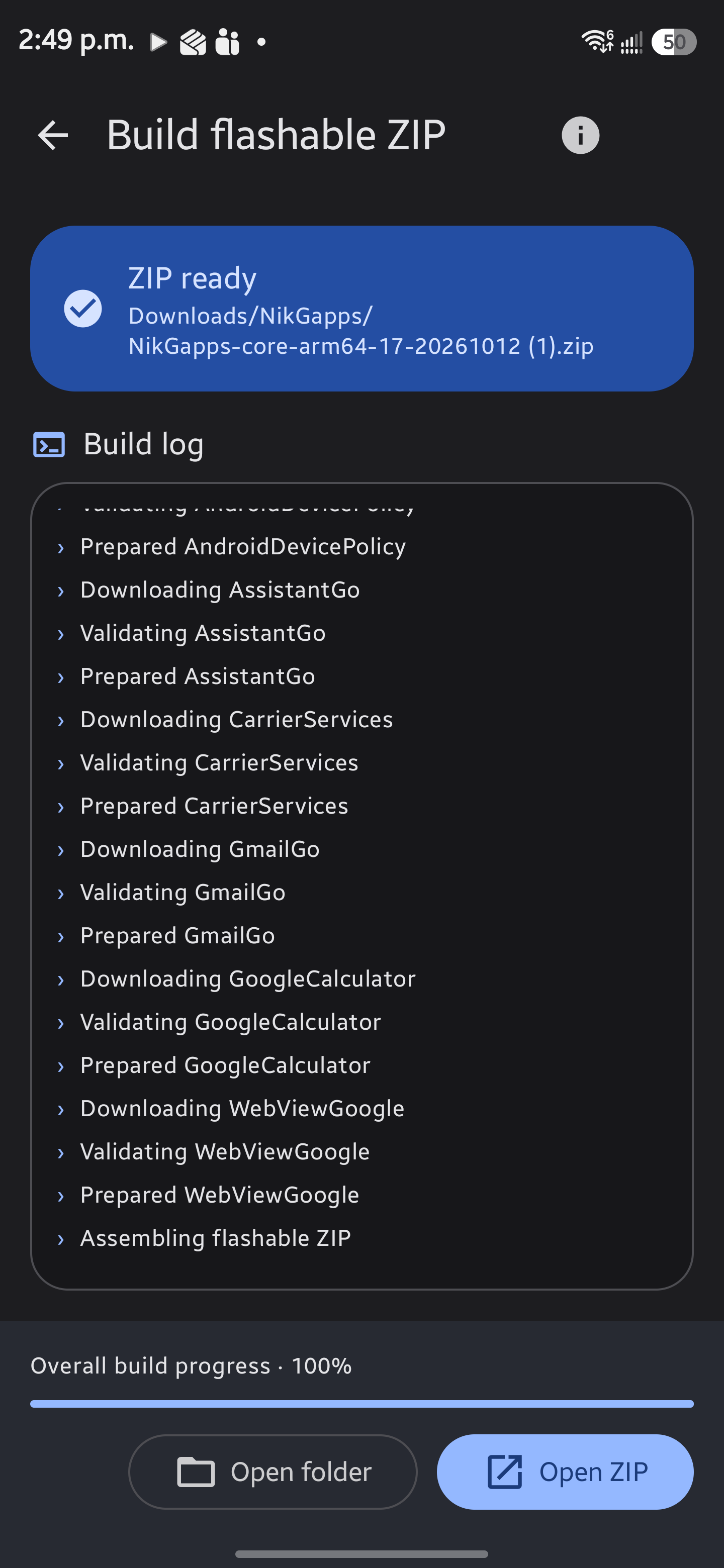
Real app screenshots from a development build.
Your config. Built for free.
Prefer working with a config file? Choose the apps for your custom package and submit it to the NikGapps config repository. After your pull request is merged, the build process creates your ZIP at no cost.

Prepare your config
Fork the repo; customize the latest template with a unique name in a supported Android folder.
Submit a pull request
Commit your config and open a pull request. It must be merged before building can begin.
Collect the completed build
After processing, use the archived config's date to find your ZIP in Config-Releases.
Find completed ZIPs in the dated Config-Releases folder. Creating a build changes what is in the ZIP. Configuring an existing ZIP instead controls which bundled apps it installs.
Choose a prebuilt package
Prefer a ready-made starting point? Explore the standard package families, from the essentials to a broader Google app selection.
Contents and availability vary by Android version and release. Check Included apps for your selected release before downloading. The package guide for Android 10–16 does not define Android 17 contents.
Core
The essentials for Google Play services and the Play Store.
Basic
A small step up from Core with everyday essentials.
Omni
A wider everyday app selection beyond Basic.
Stock
A broader Google app experience beyond Omni.
Full
The most comprehensive standard package family.
Looking for Go apps? Go offers a selection of lightweight apps in releases where it is available.
Why NikGapps?
Choose what installs
Skip bundled apps you do not need and control installation preferences with nikgapps.config.
Configure your installationAdd individual apps
Install available addons for your Android version without downloading a larger package.
Browse available addonsKeep apps across ROM updates
Per-app addon.d scripts let you control backup and restore on ROMs that support addon.d.
Explore addon.d supportGet community help
Ask questions, share logs and discuss your setup with the NikGapps Telegram community.
Join the support groupSuper Thanks

- osm0sis (for the shell scripting template)
- OpenGapps Team (for base package and providing Open Gapps)
- @DrAMoled (for logo and his suggestions and help)
- Aman (for helping me setup NikGapps Channel and Support Group)
- Vipin Mishra for coding this website from scratch.
- Shivan Singh for Pixelify Module
- Vanced Team (for YouTube Vanced)
- Lawnchair Team (for Lawnchair)
- Sheikh Adnan (for his help with NikGapps release automation)
